The Shure MV7 has no knobs. Every control lives on a flat touch panel, and that single design choice splits owners right down the middle 🎙️
Affiliate links below. As an Amazon Associate I earn from qualifying purchases.
Direct answer first. The Shure MV7 is a hybrid USB and XLR dynamic microphone, built as a smaller, friendlier take on the legendary SM7B. It runs through the free ShurePlus MOTIV app for EQ, Auto Level Mode, and monitor mix, and plugs straight into a laptop with no interface needed.
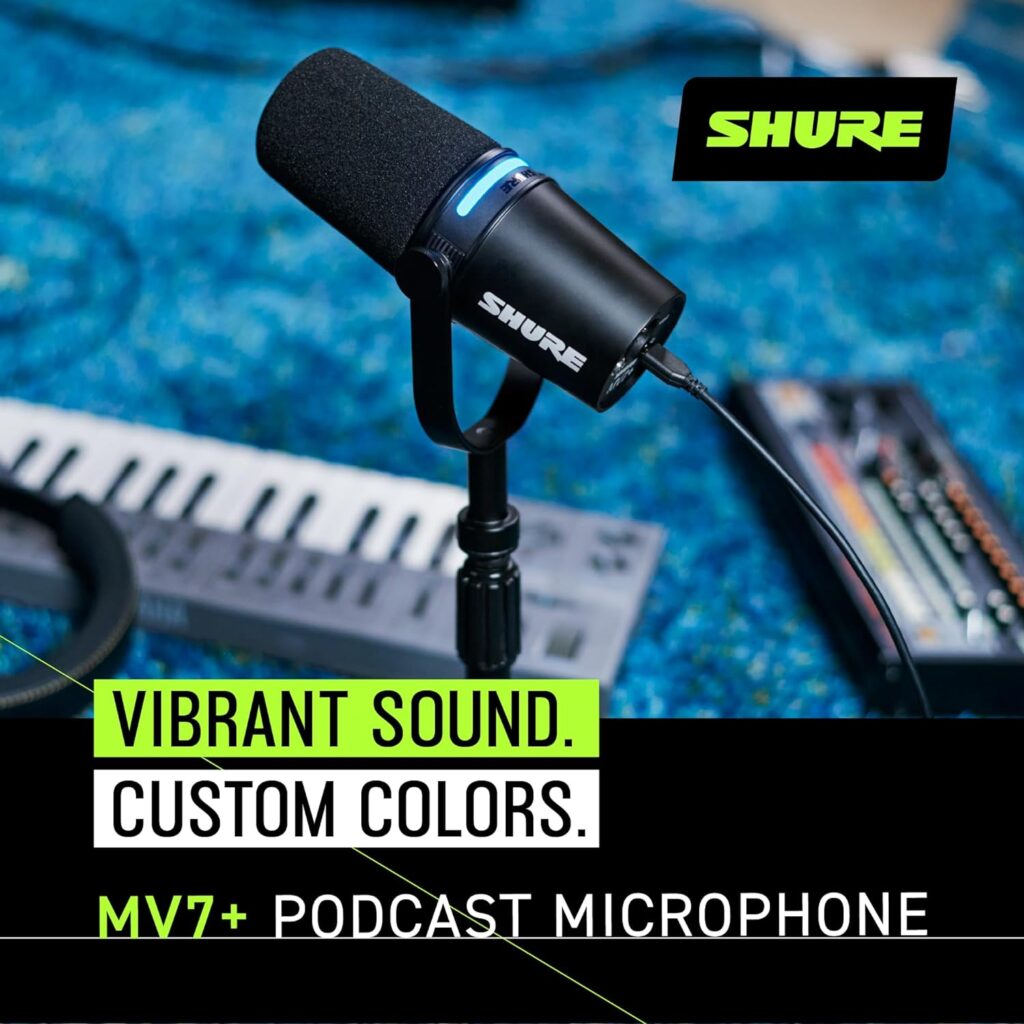
Shure also sells a newer MV7+ with a color LED touch panel, onboard DSP, and USB-C, plus a cheaper MV7X with XLR only and none of the electronics.
Buy the original MV7 if you want USB simplicity at a lower price than the Plus. Buy the MV7+ if you want the DSP and don’t mind paying more.
Here is the stat that hooked me. Shure lists the MV7’s USB sensitivity at -47 dBFS/Pa at minimum gain, a full 22 dB quieter than the MV7+’s -33 dBFS/Pa figure at the same setting.
By the end of this Shure MV7 review, you will know why the touch panel divides opinion, how it stacks up to the MV7+, and who should buy the cheaper MV7X instead.
This guide draws on Shure’s official documentation, independent reviews, retailer owner reviews, and forum comments. It does not rest on bench testing, so I name the source whenever I share someone’s experience.
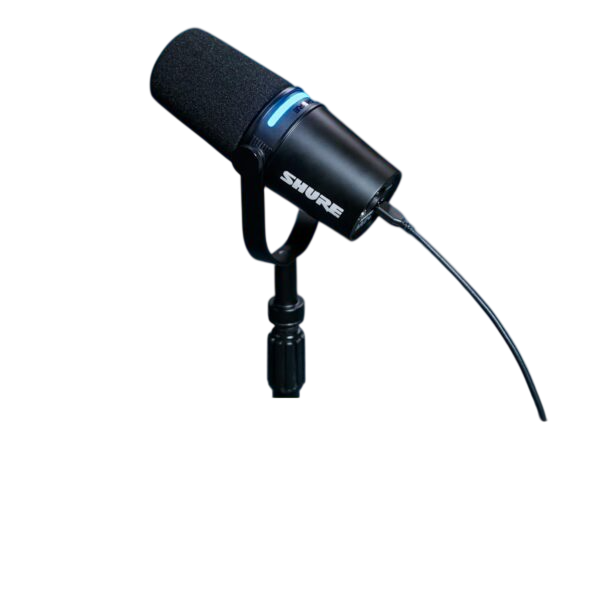
Quick Verdict
| Sound | Balanced, close mic voicing modeled on the SM7B, flat to a slight presence lift. |
| Build | All metal, adjustable yoke, feels durable for daily desk use. |
| Controls | Touch panel only, no physical knobs. Loved by some, disliked by others. |
| Value | Strong at its price point. The MV7+ costs noticeably more for DSP and a quieter USB path. |
| Best for | Solo podcasters and streamers who want plug and play with an XLR upgrade path later. |
Buy it if you want one mic that works over USB today and XLR later. Skip it if you want physical knobs, or need the extra DSP on the MV7+.
What Is the Shure MV7?
The Shure MV7 is a hybrid dynamic microphone that Shure built as an approachable version of its own SM7B, its most famous broadcast mic.
Microphone Geeks describes the intent plainly. Shure set out to mimic the legendary SM7B in an easier to use package that skips the need for a preamp or an expensive interface.
| Feature | Shure MV7 |
|---|---|
| Type | Dynamic (moving coil), cardioid |
| Outputs | USB and XLR, both present on the same body |
| Frequency response | Flat 20 Hz to 20 kHz, slight presence boost |
| XLR sensitivity | -55 dBV/Pa (1.78 mV) at 1 kHz |
| USB sensitivity | -47 dBFS/Pa at 1 kHz (minimum gain, flat mode) |
| USB max SPL | 132 dB SPL |
| A/D converter | 16 or 24 bit, 44.1 or 48 kHz |
| DSP presets | Near/Far, Dark/Natural/Bright |
| Headphone output | 3.5mm, on the mic body |
| Control interface | Touch panel, no physical knobs |
| Software | ShurePlus MOTIV, desktop and mobile |
Specs come from Shure’s official user guide and Adorama’s published spec sheet.
What comes in the box?
Shure’s manual lists the mic and its adjustable yoke mount. USB and XLR cables are not included, so budget for those separately.
How Does the Shure MV7 Sound?
Balanced and speech focused, with a sound that stays close to neutral.
Shure’s own frequency response chart shows it generally flat from 20 Hz to 20 kHz, with a slight boost in the presence range. Microphone Geeks notes the response does not extend much above 10 kHz, calling that a minor limitation but otherwise describing it as quite neutral.
SoundGuys’ full review lands on a similar conclusion, calling the tone approachable and well suited to voice work without needing extra EQ.
This full comparison test pits the MV7 and MV7+ against the SM7B, SM58, and several other mics, so you can hear the tonal gap for yourself 👇
Does USB or XLR sound better?
XLR, according to reviewers who tested the same hardware both ways on the MV7+.
Podcastage’s test found the XLR output rich and pleasing with a supportive low end, while the USB output sounded a bit hollow with congested mids and a tamer top end.
Podcast Videos reached the same conclusion independently, saying the XLR output was richer, clearer, and more natural than USB.
My take as a musician. If you already own an interface, use the XLR jack. Keep USB for the days you travel light 🎤
Is the Touch Panel Actually Good to Use?
Mixed. This is the single most debated part of the mic.
SoundGuys’ reviewer found it less effective than standard knobs and dials, since sliding your finger along the panel to change volume requires two hands, one to hold the mic steady and one to adjust.
Shure builds in a fix for the biggest risk. A settings lock stops accidental touches from changing your gain or muting the mic mid recording, according to the official user guide.
Lock it before every session if you record with the mic anywhere near your hands.
What does Auto Level Mode do?
It adjusts your gain automatically as your voice or distance from the mic changes.
Shure’s own marketing describes it as a virtual audio engineer, correcting for the reality that a speaker’s level and mic position are rarely constant. Adorama’s listing adds two Auto Level presets, Near and Far, for different mic distances.
Turn this on if you move around while talking. Leave it off if you already ride your own gain carefully.
Shure MV7 vs MV7+, What Actually Changed?
Pick the MV7+ for onboard DSP, a color touch panel, and a quieter USB signal path. Pick the original MV7 to save money.
| Feature | MV7 | MV7+ |
|---|---|---|
| USB port | Micro-USB | USB-C |
| USB sensitivity | -47 dBFS/Pa | -33 dBFS/Pa |
| Onboard DSP | None (software only, via MOTIV app) | Denoiser, digital pop filter, reverb, stored on device |
| Touch panel | Single color LED | 16.8 million color LED, doubles as mute |
| Companion software | ShurePlus MOTIV | Shure MOTIV Mix |
| List price | Lower | Roughly $279 |
Numbers come from Adorama’s published spec sheets for both microphones and The Podcast Host’s hands on comparison.
Is the MV7+ worth the extra money?
Depends on your connection. The Podcast Host found the MV7+’s DSP a genuine step up, but Podcast Videos concluded the MV7+ still falls short on pure USB audio quality, and recommends the original MV7 or a Rode PodMic USB if USB is your main path.
One Gearspace thread also reports a persistent digital clicking noise on the MV7+ during longer speech passages, appearing on both USB and XLR, across multiple mics tested. That thread stayed unresolved as of the post date, so treat it as a possible edge case rather than a universal fault.
What About the Cheaper MV7X?
It strips out everything electronic and keeps just the capsule and body.
Shure’s own comparison page lays out the split clearly. The MV7 has both XLR and USB, useful for solo streamers who want to plug straight into a laptop. The MV7X is XLR only, with the same Voice Isolation Technology and all metal build, at a lower price for anyone who already owns an interface and will never touch USB.
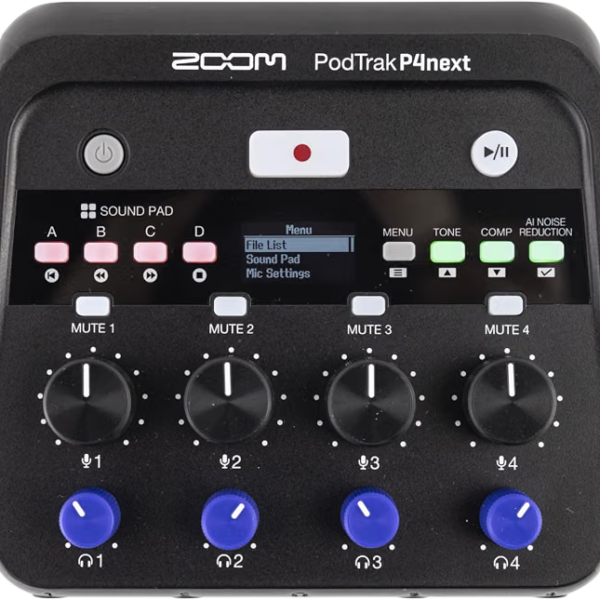
Already have a multi host setup planned? Our best 4 XLR input audio interface guide pairs well with the MV7X.
Who Should Buy the Shure MV7?
Two groups get the most from it.
You record solo with no interface
Plug in over USB and you are recording in minutes, with no separate preamp purchase. Shure lists it as plug and play on Windows, Mac, and compatible iOS and Android devices.
You want SM7B style tone without the gain hunt
The SM7B famously needs a lot of clean gain to sound its best. The MV7’s built in USB preamp sidesteps that entire problem for anyone recording over USB.
Buy the Shure MV7 if you
- Want USB simplicity with an XLR option later
- Like SM7B style voicing at a lower price
- Don’t need onboard DSP or a color panel
Skip the Shure MV7 if you
- Prefer physical knobs over a touch panel
- Already own an interface and will only use XLR
- Want the MV7+’s onboard DSP badly enough to pay for it
What Are the Best Alternatives to the Shure MV7?
Three mics cover the main reasons to look elsewhere.
Shure SM7B
Our full SM7B review covers the mic the MV7 is inspired by, XLR only and needing serious preamp gain.
Rode PodMic USB
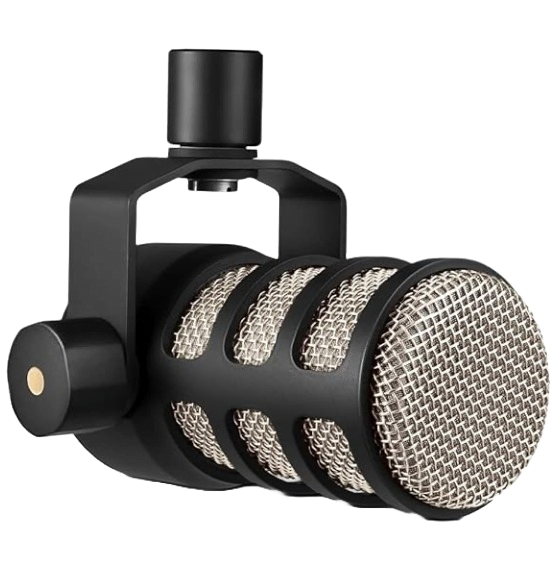
Our Rode PodMic review covers a similar hybrid design with its own DSP and dual output.
Shure MV7i
Springtree’s comparison describes the MV7i as the step up option with a built in two channel audio interface, letting you plug in a second mic or instrument directly, with SmartGate to reduce crosstalk between speakers 👍
What Are the Downsides of the Shure MV7?
Here are the honest drawbacks.
- Touch panel controls take two hands and some getting used to
- Micro-USB port, a step behind the USB-C on the MV7+
- Quieter USB sensitivity than the MV7+
- No cables included in the box
- Frequency response tapers above 10 kHz, per independent testing
None of these are dealbreakers on their own. They are the tradeoffs of a mic built to be simple first.
Is the Shure MV7 Worth It?
Yes, for a solo or small podcast setup.
The Shure MV7 rewards podcasters and streamers who want SM7B adjacent tone with USB simplicity and an XLR path for later. The touch panel is a real adjustment, but Shure’s lock feature keeps it from becoming a liability mid session.
If pure USB sound quality matters most to you, compare it against the PodMic USB before you decide!
Did You Know 🤯
The MV7+’s USB path is rated 22 dB more sensitive than the original MV7’s, according to Shure’s own spec sheets for both microphones.
Planning a podcast desk with a mic, an interface, and headphones? Map the whole chain first, and let the tool flag phantom power, gain headroom, and connector problems before you spend.
Shure MV7 FAQ
Does the Shure MV7 need phantom power?
No.
It is a dynamic mic and works over XLR with no 48V needed.
Can the MV7 record USB and XLR at the same time?
No.
Choose one output per session. Pick XLR for the cleaner sound, or USB for simplicity.
Does the MV7 work on iPhone or Android?
Yes, with the right cable.
Shure lists compatible devices at shure.com/MOTIVcompatibility. Cables are not included.
What is the MV7’s frequency response?
20 Hz to 20 kHz.
Generally flat, with a slight boost in the presence range.
Can you lock the touch panel?
Yes.
A settings lock prevents accidental changes from stray touches, per Shure’s user guide.
Is the MV7 OBS certified?
The MV7+ carries OBS certification in its own listings.
Check current retailer listings for the original MV7’s certification status before assuming it carries the same badge.
So decide on USB or XLR first, pick your Shure second, and start recording 🎶
As an Amazon Associate I earn from qualifying purchases. There are some affiliate links on this page that will redirect you directly to the original products and services. Also by buying through those links you will be supporting us. So thank you ^.^
Related Posts
Here is a list of microphone and podcasting posts you can consider as alternatives.